From Estimate to Handoff
One project. The entire build.
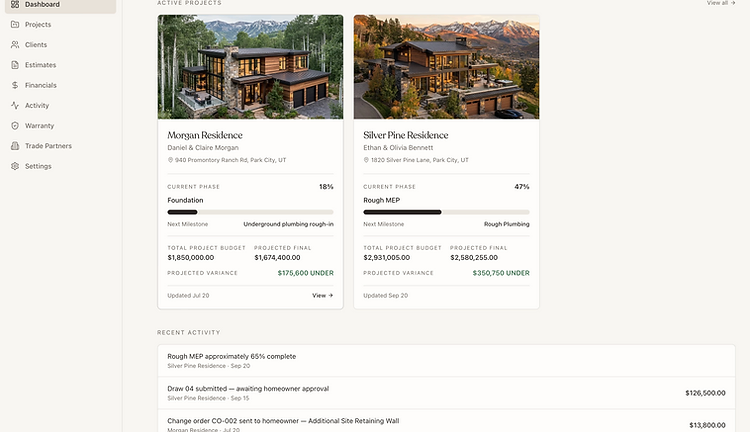
We've loaded the demo with a fictional custom home so you can see STYRN the way a builder would actually use it. Explore a realistic project rather than an empty software account.
What You Can Explore
Six ways to experience the build.
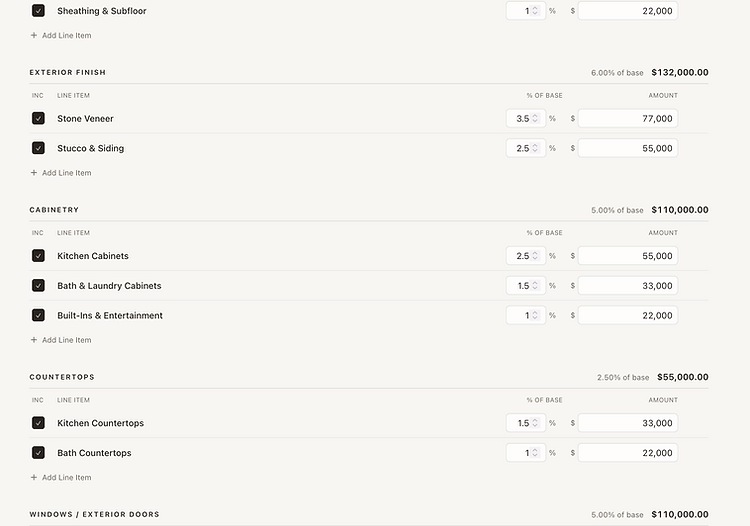
From cost-per-square-foot to a detailed estimate.
See how a preliminary cost-per-square-foot target becomes a detailed construction estimate. Adjust allocations and watch the project numbers respond.

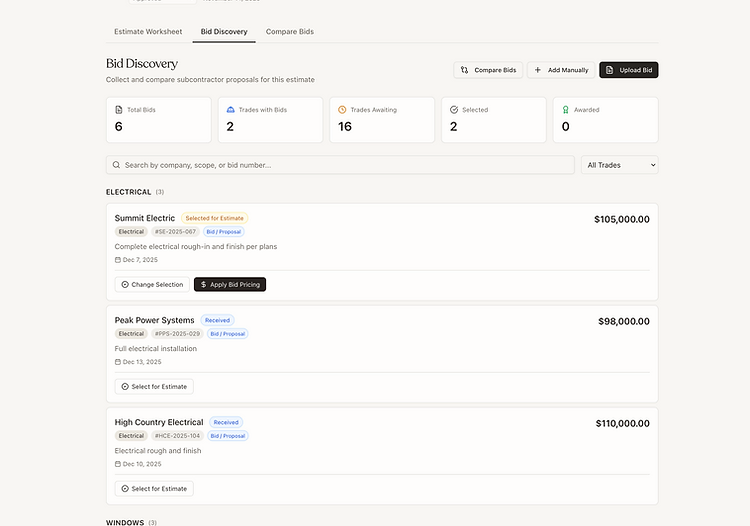
Side-by-side subcontractor bids.
Review subcontractor bids side-by-side, select the right bid, and see how awarded pricing affects the projected cost of the build.

One workspace for the entire build.
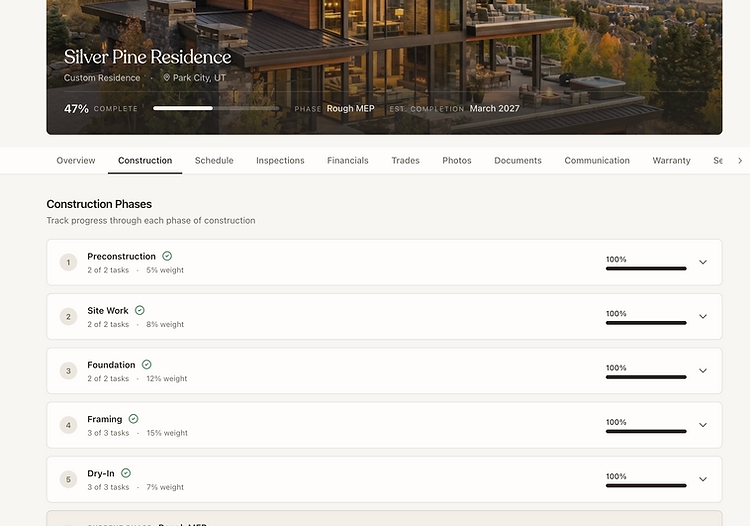
Move through construction phases, tasks, schedules, photos, notes, selections, and change orders from one project workspace.

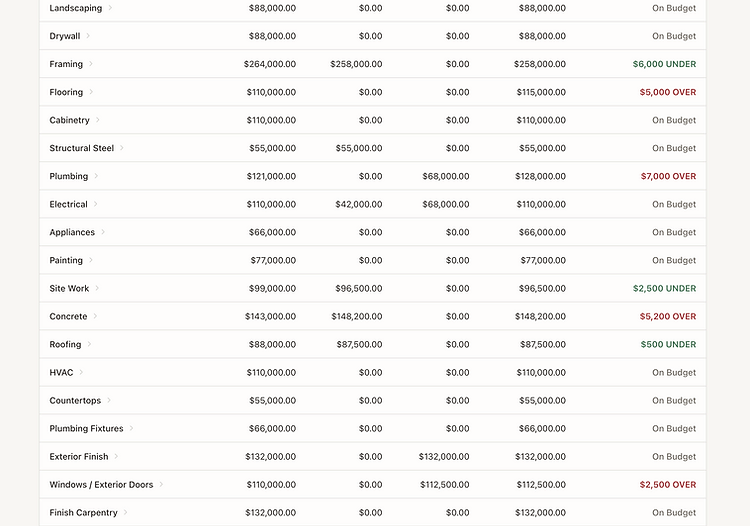
Project financials without spreadsheets.
Explore project budgets, invoices, draws, payments, builder fees, forecasts, and projected variance without jumping between spreadsheets.

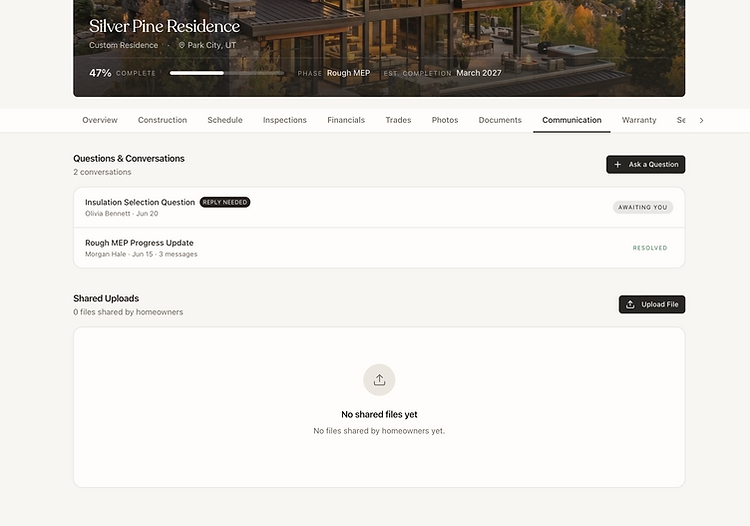
The client relationship, connected.
See how the client relationship stays connected from the initial estimate through active construction and project completion.

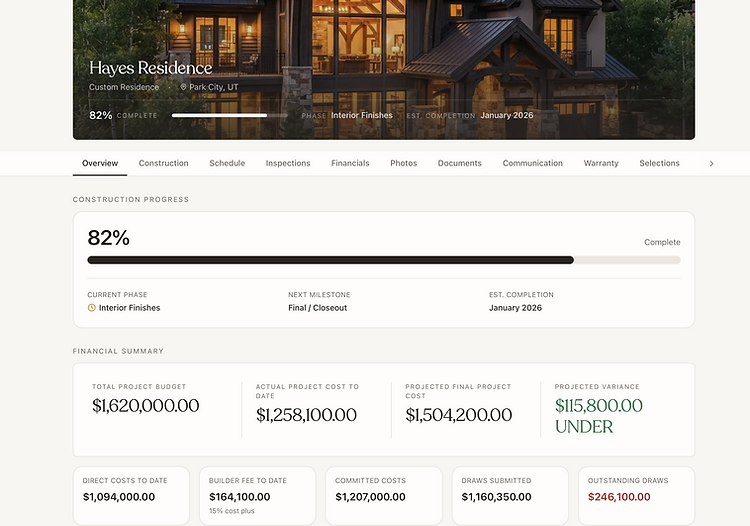
What the homeowner sees.
Switch from Builder View to Homeowner View and see what the homeowner sees—without exposing the builder's internal information.

Ready to take STYRN for a drive?
Your private demo workspace lasts 60 minutes. Change estimates, select bids, update the project, explore financials, and switch into the homeowner experience.
When you're finished, the workspace automatically expires.
Demo Mode uses fictional project data. File uploads and real external communications are disabled.